
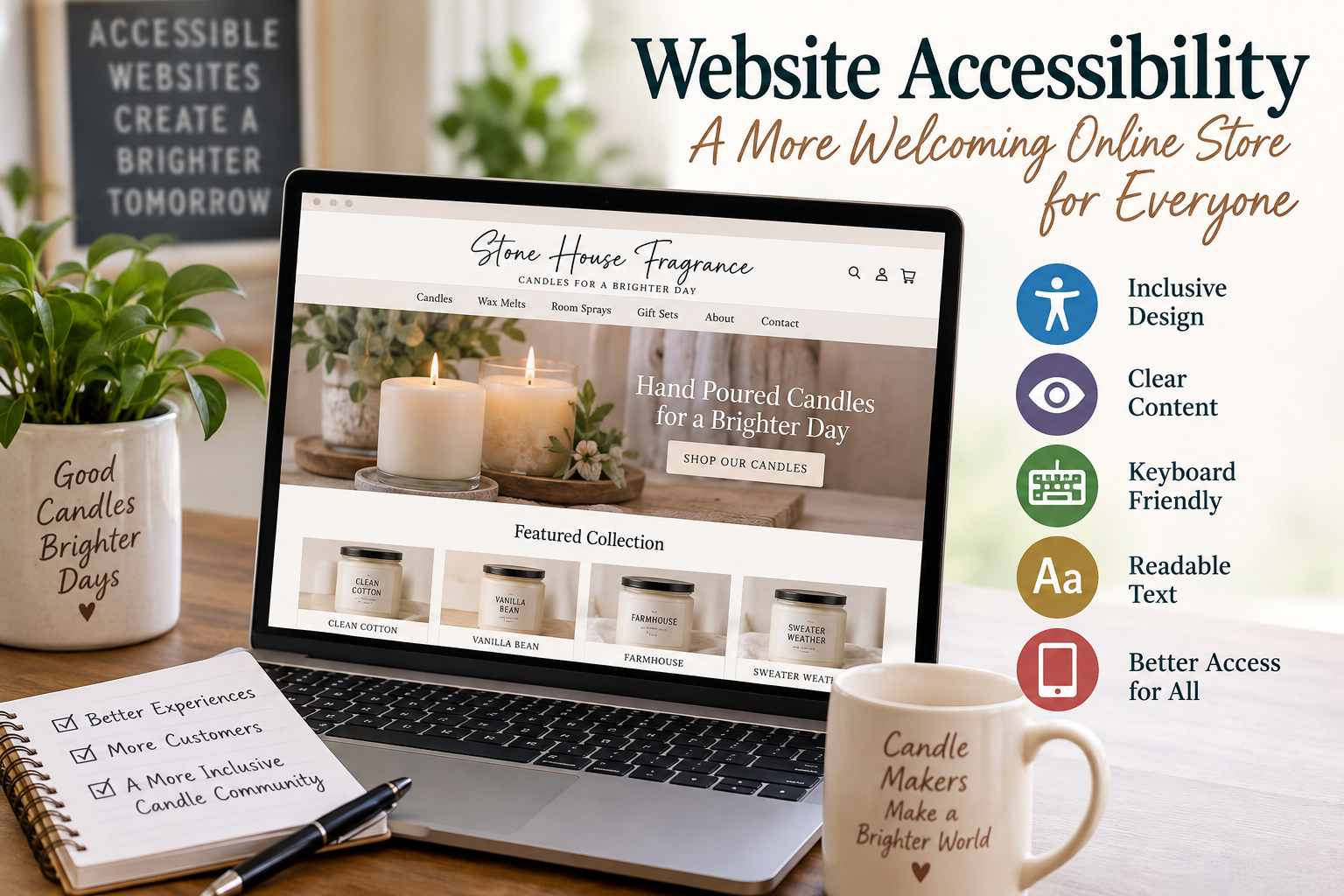
When you are building a website for your candle business, you probably spend a lot of time thinking about product photos, fragrance descriptions, pricing, shipping, and how your site looks on a phone.
One thing that is much easier to overlook is website accessibility.
Can someone who cannot use a mouse place an order? Can a customer using a screen reader understand your product photos? Can someone with low vision read the text on your website? Can a customer who is color-blind tell which options they are selecting?
These are all part of making a website accessible to people with disabilities—and they are worth considering before your online store ever goes live.
What Does “ADA Compliant” Mean for a Website?
The Americans with Disabilities Act, or ADA, prohibits disability discrimination in certain areas of public life.
For businesses that are considered public accommodations under Title III of the ADA, the U.S. Department of Justice has long taken the position that the ADA's requirements can apply to the goods and services those businesses provide through their websites.
However, there is an important detail that website owners should understand.
For private businesses, the Department of Justice does not currently have a regulation establishing one detailed technical standard that every Title III website must follow.
That means website accessibility is not as simple as installing a plugin, receiving a passing score from an automated scanner, and putting an “ADA Compliant” badge in your footer.
Instead, the goal is to make sure people with disabilities can actually access and use the goods, services, and information your business provides online.
For technical guidance, one of the most widely used standards is the Web Content Accessibility Guidelines, commonly called WCAG.
What Is WCAG?
WCAG is developed by the World Wide Web Consortium, or W3C, through its Web Accessibility Initiative.
The guidelines are built around four basic principles. Website content should be:
Perceivable — Users need to be able to perceive the information being presented.
Operable — Users need to be able to navigate and operate the website.
Understandable — The content and controls should be understandable.
Robust — The website should work with different browsers, devices, and assistive technologies.
WCAG has three levels of conformance: A, AA, and AAA.
For businesses working toward an accessible website, WCAG 2.2 Level AA is a useful practical benchmark to discuss with your web designer or developer. Level AA includes the Level A and Level AA requirements.
It is important to understand that following WCAG and complying with the ADA are related concepts, but they are not exactly the same thing. The ADA is a law. WCAG is a technical accessibility standard.
Why This Matters for a Candle Business
Imagine visiting a candle company's website and seeing a beautiful photograph with the words:
*"Warm vanilla, smoked cedar, amber and sandalwood."*
If those words exist only inside the image and the image does not have appropriate alternative text, a customer using a screen reader may never receive that information.
Now imagine a customer reaches checkout but cannot select a shipping method without using a mouse.
Or your website uses pale beige lettering over a cream background because it fits your brand perfectly—but someone with limited vision cannot read it.
The website may look beautiful, yet some customers may not actually be able to use it.
Accessibility doesn't mean making your website unattractive. It means designing your website so that more people can use it.
Accessibility Issues Candle Sellers Should Watch For
When building or reviewing your website, pay particular attention to:
- Product images: Give meaningful product images appropriate alternative text so customers using screen readers can understand what the image communicates.
- Text inside graphics: Don't rely on an image as the only way important information is communicated. Product information, prices, warnings, buttons, and important instructions should generally also exist as accessible text.
- Color contrast: Make sure there is enough contrast between text and its background. Light gray, beige, gold, and pastel branding can create readability problems when the colors are too similar.
- Color choices: Don't use color alone to communicate something important. For example, don't identify an error only by turning a field red.
- Keyboard navigation: A shopper should be able to move through menus, product options, forms, the cart, and checkout without requiring a mouse.
- Visible keyboard focus: Someone navigating with a keyboard should be able to tell which button, link, or field is currently selected.
- Buttons and links: Buttons such as “Add to Cart,” “Checkout,” and “Choose Size” should have clear names that assistive technology can understand.
- Forms: Email signup forms, contact forms, account registration, discount-code fields, and checkout fields need meaningful labels and understandable error messages.
- Text resizing and zoom: Customers should be able to enlarge the page without important information disappearing or becoming unusable.
- Headings: Use proper page headings rather than simply making random text larger and bold. Correct heading structure helps screen-reader users understand and navigate the page.
- Videos: Tutorial, promotional, and product videos should include captions when spoken information is important.
- Popups: Newsletter offers, discount popups, age notices, cookie notices, and other overlays shouldn't trap someone using a keyboard or screen reader.
- Product variations: Fragrance, size, vessel color, quantity, wick style, and other choices need accessible names—not just pictures or colored circles.
- Mobile accessibility: Test accessibility on phones and tablets as well as desktop computers.
- Checkout: Don't stop testing at the product page. Cart and checkout accessibility are especially important because this is where your customer actually completes the purchase.
Don't Depend Entirely on an Accessibility Plugin or Overlay
There are automated tools, accessibility scanners, widgets, plugins, and overlays that can help identify or address certain problems.
They can be useful.
But they should not be treated as proof that a website is accessible.
The Department of Justice specifically cautions that automated accessibility checkers and overlays need to be used carefully. A website receiving a “clean” automated report does not necessarily mean that everything on the website is accessible.
Some problems can only be found by actually using the website.
For example, an automated test might recognize that a button exists, but a real keyboard-navigation test may reveal that a shopper cannot reach the button.
Automated testing should therefore be part of your accessibility process—not your entire accessibility process.
Try This Simple Test on Your Own Website
One of the easiest things you can do costs nothing.
Put your mouse aside.
Open your website and try to navigate it using your keyboard. On most computers, the Tab key moves between interactive elements.
Try to browse your products, choose a product, select its options, add it to the cart, open the cart, and move through checkout.
Can you always tell where you are?
Can you reach every button?
Can you close popups?
Can you select your product options?
Can you complete the important parts of the shopping process?
If you get stuck, there is a good chance some of your customers could get stuck too.
This isn't a complete accessibility test, but it can reveal problems you might otherwise never notice.
Accessibility Should Start While You Are Building
Accessibility is much easier to deal with when it is considered from the beginning.
If you're building a new candle website, include accessibility when choosing your colors, fonts, navigation, product-page layout, forms, shopping cart, and checkout system.
If you hire someone to build your website, don't simply ask:
*"Will my site be ADA compliant?"*
A better conversation is:
*"What are you doing to make the site accessible, and are you testing it against current WCAG accessibility guidelines?"*
Ask how they test keyboard navigation, alternative text, contrast, forms, focus indicators, screen-reader compatibility, and mobile accessibility.
Those questions tell you much more than a simple yes or no.
Your Website Will Continue to Change
Accessibility isn't necessarily something you handle once and never think about again.
Every time you add a new product, change your website theme, install an app, add a popup, create a new form, replace your navigation, or modify your checkout, you could introduce a new accessibility issue.
For candle makers, even something as routine as adding new product photography can matter if meaningful images aren't given appropriate alternative text.
Make accessibility part of your normal website maintenance.
Accessibility Is Also About Your Customers
It is easy to look at accessibility only as a legal concern.
But there is another side to it.
Someone with limited vision may love candles.
Someone who cannot use a mouse may buy home fragrance products.
Someone who is deaf may want to watch your candle-care video.
Someone using a screen reader may be shopping for a birthday present.
Making your website easier for people with disabilities to use means making it easier for more potential customers to do business with you.
That is something worth thinking about regardless of the size of your candle company.
The Bottom Line
If you are building a website to sell candles, wax melts, room sprays, or other handmade products, accessibility should be part of the build—not something added as an afterthought.
Start with good structure, readable colors, meaningful alternative text, keyboard accessibility, clearly labeled forms and controls, accessible product options, captioned video content, and a checkout process that works for different users.
Use recognized accessibility guidance such as WCAG 2.2 Level AA as a practical technical benchmark, test the site with automated tools and manually, and provide customers with an easy way to contact you if they encounter an accessibility problem.
Most importantly, remember what accessibility is really trying to accomplish:
Your customers should be able to understand your products, navigate your store, and make a purchase regardless of how they access the web.
---
Important Note: This article is provided for general educational information and is not legal advice. ADA requirements can depend on the type of business, location, services offered, and applicable federal, state, and local laws. Businesses with questions about their specific legal obligations should consult a qualified attorney familiar with ADA and digital-accessibility law.